Flow
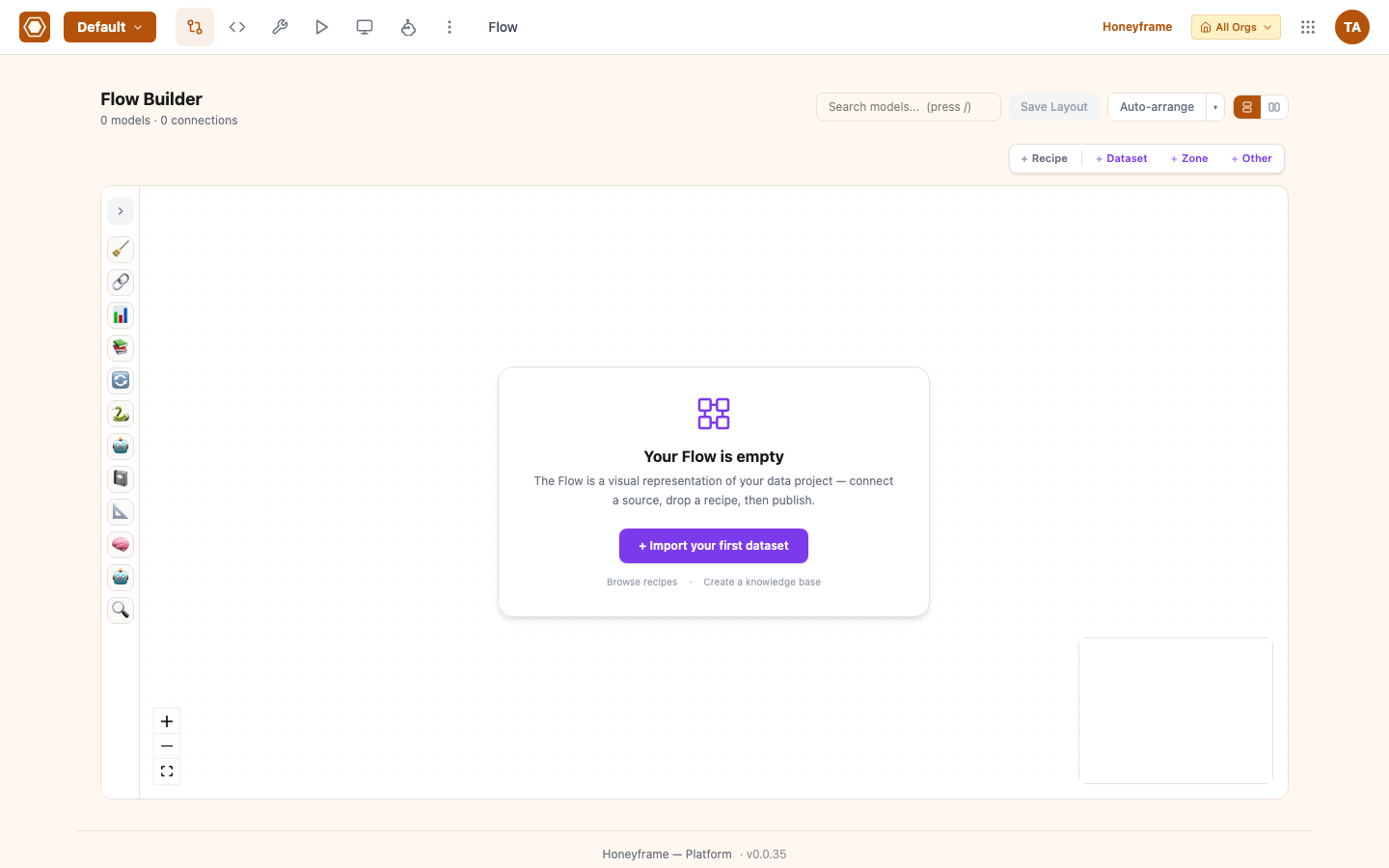
The Flow is the canvas where a project's datasets, recipes, and AI agents are arranged into a dependency graph. Most operator workflows start there: pick the dataset you want, see what feeds it, see what depends on it, and edit the recipe that produces it without leaving the canvas.
Conceptually it sits in the same family as Dataiku's Flow or Airflow's DAG view. Operationally it's a React Flow canvas backed by paas/backend/routers/flow_codegen.py (visual → dbt SQL) and paas/backend/routers/flow_ai.py (AI nodes).
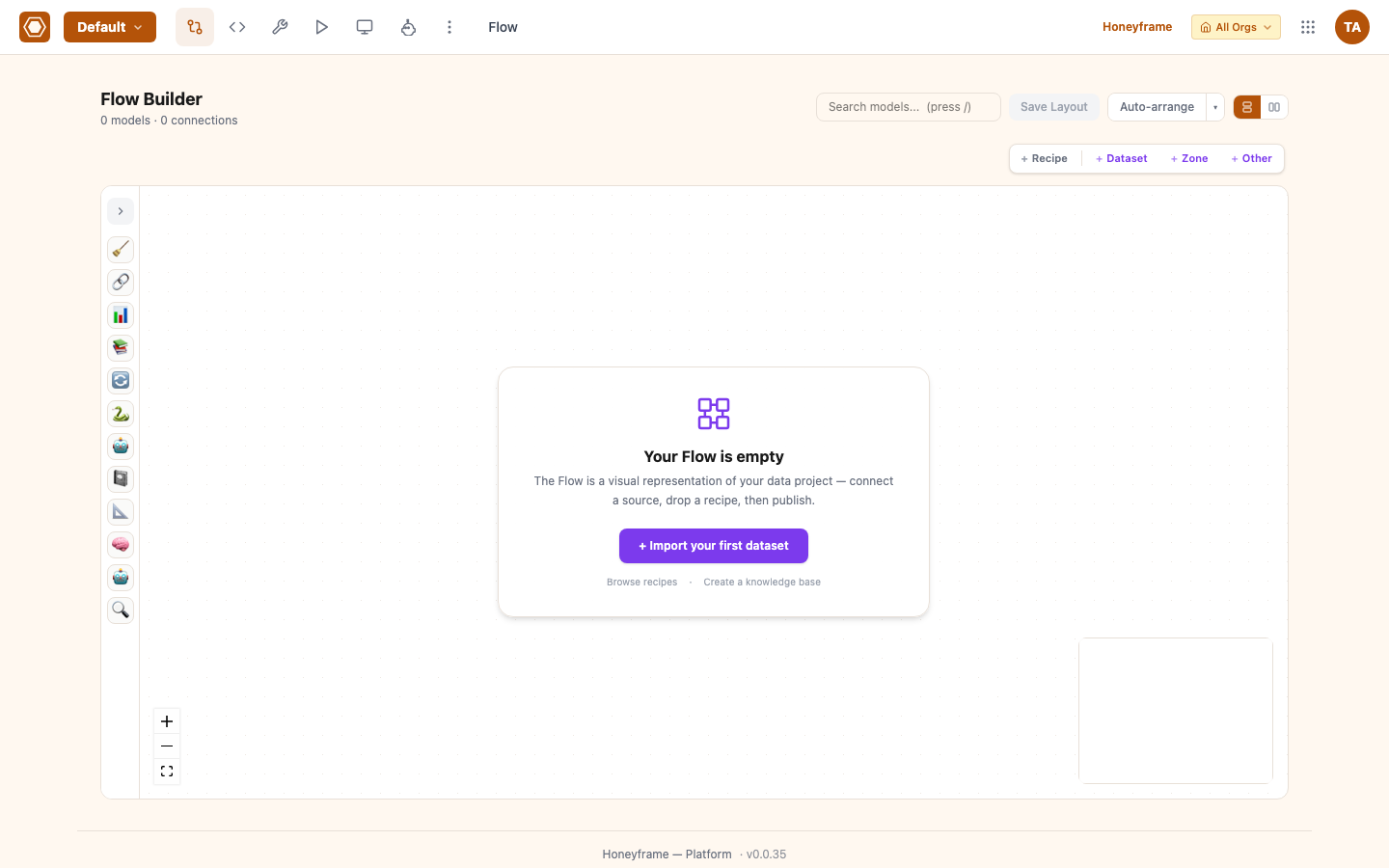
After authoring recipes, the canvas auto-builds the DAG — every recipe block links to its upstream sources and downstream models. Nodes are colored by status (green = success, red = failed, amber = stale):
Node types
| Node | Visual | Meaning |
|---|---|---|
| Dataset | Square | A queryable dataset — source, intermediate, or mart. |
| Visual recipe | Round | Block-based recipe (prepare, filter, join, group_by, aggregate, window, formula, stack, and the newer pivot, top_n, sample, distinct, fuzzy_join, generate_statistics). Compiled to SQL. |
| SQL recipe | Round | Free-form SQL model. |
| SQL Script recipe | Round | Multi-statement SQL script — the author owns the DDL/DML. |
| Export recipe | Round | Terminal sink — writes a dataset to a file (csv/parquet/xlsx) in a managed folder. |
| Python recipe | Round | Standalone Python — opaque to dbt. |
| Notebook recipe | Round | Jupyter-style notebook recipe. |
| Sync recipe | Round | Standalone ingestion node — pulls from a connector, writes to a dataset. |
| AI recipe | Round | agent, embed, classify_text, summarize_text, parse_documents, knowledge-base feed. |
| dbt recipe | Round (teal, "dbt" badge) | Synthesized read-only node for a hand-written dbt model — see dbt models on the canvas. |
| Folder | Square (Infra group) | A managed folder as a first-class flow input — see Folders as flow inputs. |
| Zone | Group container | Color-coded grouping of nodes. Visual only — does not constrain execution. |
Edges are drawn input → recipe → output. A recipe with multiple inputs (e.g. a join) has one edge per input.
Building a Flow
There are three ways nodes appear on the canvas:
- Add a connector and create a dataset. Each new dataset shows up as a leaf node with no upstream.
- Add a recipe via the + New Recipe button on a dataset, or by dragging a block from the Add Item palette. The recipe and its output dataset both appear.
- Drag-and-drop a standalone node — useful for Python, Notebook, Sync, and AI recipes that aren't tied to a single upstream.
Drag a node onto a Zone to assign it. Zones don't constrain execution; they're purely organizational.
The visual recipe builder
Visual recipes are the heart of the Flow. Click + New Recipe → Visual on any dataset and the right-side panel opens with the block palette. Each block translates to a piece of dbt SQL, which the platform compiles and writes to models/<layer>/<recipe_name>.sql on save.
Block types and what they produce:
| Block | Generated SQL |
|---|---|
prepare | SELECT col1, col2, CAST(col3 AS NUMERIC) AS col3, … — column rename, cast, drop, derive. |
filter | … WHERE col > value AND col2 IS NOT NULL — chained predicates with AND/OR conjunctions. |
join | LEFT/INNER/RIGHT/FULL/CROSS JOIN other ON … — multi-key joins, prefix-based collision handling. |
group_by | GROUP BY col1, col2 paired with the next aggregate block. |
aggregate | SUM/COUNT/AVG/MIN/MAX/STDDEV/VARIANCE(col) AS alias. |
window | ROW_NUMBER/RANK/DENSE_RANK/SUM/AVG/COUNT/MIN/MAX OVER (PARTITION BY … ORDER BY …). |
formula | Arbitrary scalar SQL expression as a derived column. |
stack | UNION ALL / UNION of two model refs. |
split | One input → N outputs by predicate (v0.0.38). Each branch becomes a separate downstream model with its own filter clause. Use to fan out a cleaned dataset into per-segment marts without writing N near-identical recipes. |
pivot | Long → wide. Portable conditional aggregation: one SUM/COUNT(CASE WHEN spread_col = 'val' THEN measure END) column per enumerated value (Postgres has no native PIVOT). Spread values can be typed manually or auto-discovered with Fetch from data, which runs SELECT DISTINCT … LIMIT 100 against the governed preview endpoint. |
top_n | Per-group top-K. ROW_NUMBER() CTE partitioned by the group, ordered by the measure, filtered to rank_num <= N; global when no group is set. |
sample | Take a row subset for fast development on large tables. first mode is LIMIT n (cheap); random mode is ORDER BY RANDOM() LIMIT n (uniform but sorts the whole input — warns on large tables). |
distinct | Deduplicate rows. With no columns: whole-row SELECT DISTINCT. With columns: SELECT DISTINCT ON (cols) keeping one row per combination, ordered by the keys plus an optional tiebreaker (e.g. updated_at DESC) so the surviving row is deterministic — warns when no tiebreaker is set. |
fuzzy_join | Join on approximate equality. Three methods: trigram (similarity() >= threshold via pg_trgm, default 0.7), levenshtein (<= distance via fuzzystrmatch), and exact_normalized (LOWER(TRIM(…)) =, no extension). Refuses a keyless predicate (cartesian guard) and always warns about row-explosion cost — run it on filtered/blocked inputs. |
generate_statistics | Column profiling. Emits one row per column: column_name, row_count, non_null_count, null_count, fill_rate, distinct_count, min_value, max_value. Type-agnostic (min/max cast to ::text), so a single UNION ALL works across numeric/text/date columns. |
sql | Pass-through — for steps the visual builder can't express. |
sync | Read from a connector → write to a target dataset. Not part of the dbt build; runs as a Python step. |
Refs between visual blocks resolve to dbt's {{ ref('upstream_model') }}; refs to external sources resolve to {{ source('schema', 'table') }}. The canvas always has the live, resolved SQL one tab away (Preview SQL), so you can copy-paste into psql to debug.
The codegen layer refuses unsafe SQL by construction: a join (or fuzzy join) with no key pair is rejected at compile time rather than emitting a silent cartesian product.
POST /api/flow/preview-sql runs the generated SQL against the connector and returns a 100-row sample without persisting the recipe — useful for iterating before you save.
Reverse-engineering hand-written SQL
POST /api/flow/parse-to-visual attempts to reverse a dbt SQL model into block configs. It's best-effort: simple SELECT … FROM ref(...) WHERE … JOIN … patterns parse cleanly; complex CTEs, window functions inside qualify, and pivot patterns fall back to a single sql block.
Use it to bring legacy dbt projects under visual editing. Don't expect a round-trip to be byte-identical — saving the parsed blocks regenerates SQL in the platform's canonical style.
Build engines: dbt and native
Every org runs on one of two engine profiles, set at org creation (engine_profile: dbt | native) and visible to the SDK via GET /api/catalog/engine:
- dbt (default) — visual and SQL recipes compile to dbt models; builds run through
dbt run. - native — a dbt-less engine that runs the same recipes directly. A native org skips the dbt pip-install,
profiles.yml, and the dbt-run timer entirely. Visual/SQL recipes are stored withtarget='sql'and Jinja-freeinline_code, and the native engine materializes them honoring the author'sview/tablechoice andtarget_schema.
The same recipes, lineage, and canvas work on both engines — most of this page is engine-agnostic. The SDK exposes Project.engine() / Project.uses_dbt() so automation can detect which it's talking to.
Native build (the native "dbt run")
POST /api/flow/build-native (project.edit, native orgs only) is the native equivalent of dbt run. It topologically sorts the project's target='sql' recipes by dataset I/O, then runs each in dependency order, stopping on the first failure. The plan resolver is pure, stable, and cycle-detecting (a cycle returns 400).
Three query options mirror dbt's most-used flags:
?select=— partial rebuild of a model's subgraph using dbt selector syntax:model,model+(and downstream),+model(and upstream),+model+(full lineage), comma-separated for several. An unknown model is a 400 (a typo is surfaced loudly, not silently built as nothing).?background=true— resolves the plan synchronously (engine/selector/cycle errors still fail fast), records anative_buildjob run, then runs the ordered recipes on a fresh session and returns{run_id, status: "running"}immediately. PollGET /api/jobs/{run_id}for progress — no new polling endpoint.?dry_run=true— resolves the plan (engine gate, selector, topo order) and returns{ordered, total, selected, dry_run: true}without touching the warehouse — the nativedbt ls --select. Pairs with?select=to preview exactly which recipes a partial rebuild would run, and in what order, before committing.
A GET /api/flow/recipes/native-readiness endpoint returns a ready/blocked verdict (with per-recipe buckets) for converting an org to native, and POST /api/flow/recipes/convert-to-sql bulk-converts existing recipes. Flipping an org to native (PUT /api/catalog/engine) 409s if any SQL-shaped recipe isn't native-runnable, unless ?force is passed; flipping back to dbt is unguarded.
Lenses ("Apply a view")
A lens recolors the whole canvas to surface a single dimension, selected from the Apply a view dropdown. Lenses are presentation-only — they never change the graph or trigger a build:
- Cost lens — tints each node by total compute time (
total_duration_secfrom/jobs/summary) in a 5-stop blue→green→amber→orange→red heatmap. Thresholds are relative to the per-DAG max, so a fast pipeline doesn't paint everything red. The lens extends to recipe blocks (heat where compute actually lives), and the legend pill shows the DAG total and the slowest node. A 14-day cost-trend drawer and a top-3 "hot" glow highlight the most expensive nodes. - Tags lens — colors datasets by their first dbt tag.
- Recipe Engines lens — colors recipes by the engine that runs them.
- Schema lens — colors nodes by their output schema.
- Provenance lenses — three views that color nodes by where their data came from (source system, connection, and build path).
The lens library expanded to roughly a dozen views; the Apply a view dropdown lists them all. The whole canvas — current lens included — exports to PDF (via the Flow export modal) and a zone or subgraph to PNG, for handing a flow diagram to someone who doesn't have platform access.
Running the Flow
Execution surfaces:
- Single-node run — Right-click a recipe → Run. Runs only that recipe.
- Subgraph run — Right-click a dataset → Build opens a modal with four scopes: this item only, upstream (
+model), downstream (model+), or full lineage (+model+). It resolves the ordered recipe set and runs it viaPOST /api/flow/build-multi. - Zone build — Right-click a zone → ▶ Build, or pick several zones for a single multi-zone build (one
dbt runacross all of them). See Zones. - Multi-select bulk run — Select several nodes and use the bulk-run bar to run them together.
- Scheduled run — On the Schedules page, attach a cron expression to a build target. The scheduler picks it up.
Run progress streams to the canvas as colored borders on the running nodes (in-progress / queued-pulse / success / failure), with a live build-counter chip and a flow-level health chip. dbt builds stream per-model progress over SSE, so each node flips status as its model finishes rather than all at once. Click any node mid-run to see the live log. Each node persists its last-run latency and a 14-day duration sparkline.
Zones
Zones are color-coded rectangles that bundle related nodes. They group nodes for organization and as a build unit (see Zone build below); they have no effect on lineage or permissions. The platform ships with ten zone colors (orange, blue, purple, green, brown, red, amber, pink, indigo, gray) and lets you create custom zone templates.
Common patterns:
- Bronze / Silver / Gold zones — three zones aligned with the Lakehouse data quality tiers. Raw ingest into Bronze, cleaned into Silver, modeled into Gold.
- One vertical per Zone — for project-of-projects layouts, a Zone per business domain.
- Sandbox zone — experimental nodes you don't want in the main lineage. Move them out when promoted.
Two assignment paths: drag-and-drop a node onto a zone, or use Auto-assign (POST /api/flow/zones/auto-assign) which groups nodes by layer and proximity.
The canvas layout (node positions) persists per-project via POST /api/flow/zone-layout. Without an explicit layout, nodes are auto-positioned at first render. Zones can be renamed and recolored inline on hover, and a per-zone header shows a health rollup.
Zone build
Unlike the original "purely organizational" model, a zone can now be built as a unit: right-click a zone → ▶ Build runs every recipe it owns. Pick several zones to run a single multi-zone build (one dbt run spanning all the selected zones). Each zone has a build-history drawer with a duration sparkline and an avg/success summary.
Zone shares (virtual references)
A node owned by zone A can be shared into zone B as a virtual reference — a "ghost" rendering — without moving the producing recipe or its storage. This cuts cross-zone arrow spaghetti in dense flows. The source zone retains build ownership: share-targets do not participate in build-zone selector resolution. Use Share to zone from the node's context menu.
| Endpoint | Description |
|---|---|
GET /api/flow/zones/{id}/shares | Node IDs shared into this zone. |
GET /api/flow/zones/shares | { node_id: [target_zone_id, …] } for the whole project, one fetch. |
POST /api/flow/zones/{id}/shares | Share nodes into a zone (silently skips the owning zone). |
DELETE /api/flow/zones/{id}/shares/{node_id} | Unshare. |
Canvas UX
The canvas got a sustained overhaul across these releases:
- Recipe picker — categorized and searchable, with a Recent group and keyboard navigation. Right-click an empty area for a contextual create menu.
- Layout — autosave node positions, a minimap with a status legend, live edge animation, a first-time tour, focus mode (with a keybind), and collapse-all-zones (
Z). - At-a-glance node health — status colors, health chips, cost strips, and 14-day sparklines surface in hover popovers. Edges carry hover tooltips.
- Editing affordances — handle hover affordances and drag feedback, an amber connection-draw line, queued-node pulse, and a "no input" warning on recipes wired with no upstream. Family colors group node types.
- Search — a genie-style search jumps to nodes by name with a match counter.
- Guardrails — saving a recipe warns when a
materialized='view'model has incremental consumers; the output layer is auto-picked and tucked behind an Advanced toggle.
Context-menu grammar, omnibox & flow docs
The right-click context menu follows a consistent grammar (an 18-item menu whose entries depend on what you clicked — a dataset, a recipe, a zone, or empty canvas), including branch select and fold. A ghost-shared node (see Zone shares) carries its own items — Go to original and Unshare from this zone.
The flow omnibox (search) jumps to any object by name — datasets, recipes, zones, and AI objects (agents, knowledge bases). The whole flow also exports to a Markdown flow document — a text description of the graph for a README or a design review.
Multi-select bulk actions
Rubber-band or shift-click several nodes to open a bulk actions panel: Build, Tag, Move (to a zone), Change connection, Clear data, and Delete across the whole selection at once. A faceted filter popover narrows the canvas to nodes matching tag / schema / status facets, and zone drill-in (?zoneId=) focuses the canvas on a single zone.
Consistency, subflow copy & partitioning
- Consistency check —
POST /api/flow/check-consistencyscans the project for structural problems (orphaned nodes, broken refs, cycles) and returns a report before you build. - Copy subflow —
POST /api/flow/copy-subflowduplicates a selected subgraph (recipes + intermediate datasets) into a new branch, for forking a pipeline without hand-recreating each node. - Partitioning — a dataset can declare a partitioning spec in its settings (
{dimensions: [{name, type, period?}]});GET /api/datasets/{name}/partitionslists the partitions andPOST .../build-partitionbuilds one partition at a time rather than the whole table.dbt triggeraccepts--varsfor parameterized builds.
Manual lineage edges
Beyond the edges the platform infers from recipe I/O, you can hand-declare a lineage relationship — useful when a dependency lives outside what the canvas can see (an external load, a manual export). Manually declared edges merge into the DAG alongside the inferred ones, so impact analysis stays complete.
AI recipes
AI nodes appear on the same canvas as data recipes:
- Agent recipe — references a configured agent (Agent Builder). Run it to invoke the agent against a dataset row stream.
- Embed recipe — produces a knowledge-base index from a dataset's text column. Persists to the configured vector store (Connectors → Vector stores).
- Knowledge base — appears as a node so you can see which agents and dashboards consume it.
- LLM connector (v0.0.38) — chat-SQL on the canvas. Drop the LLM connector node, point it at a dataset, and ask in natural language ("which customers churned in Q3?") — the connector composes SQL against the dataset's schema and returns a result the downstream nodes can consume. Tenant-aware: schema and sample values stay within the calling org.
AI nodes share the run / schedule / log surface with data recipes; mixing them in the same subgraph build is supported.
Run button on bare-model dbt recipes (v0.0.38)
dbt recipes that only define a SELECT (no upstream visual blocks) used to require a full project build to refresh. The Run button on the recipe sidebar now invokes that single model directly via dbt run --select <model>, returning fresh output without rebuilding the rest of the project.
Document-AI recipes
Three recipes handle free text and scanned documents:
- Classify Text — maps a text column to a category from a fixed label set (constrained prompt, temperature 0).
- Summarize Text — produces a short summary of a text column, sized to a word budget.
- Parse Documents (
parse_documents) — transcribes a folder of PDFs/scans and optionally runs a free-form LLM key-value parse, materializing an auto-created{file, extracted_text, parsed_json}table. It consumes a folder input via its folder picker.
Classify and summarize are thin wrappers over the existing LLM-enrich primitive, so they inherit its model routing (openai/anthropic/connector), batching, and cost/trace plumbing.
Cobuild on the canvas
When Cobuild (the AI assistant) executes a plan, the canvas updates live: new nodes appear as the plan runs, freshly-added nodes flash, and a tool-call flash plays on the affected nodes. Cobuild is selection-aware — it acts on the nodes you have selected. From a node's right-click menu you can Ask Cobuild about it directly.
Folders as flow inputs
A managed folder is a first-class flow object, not just a recipe attachment. The lineage DAG emits every project managed folder as a folder:{id} node. Drop a Folder block from the Infra palette group to create a new managed folder (or jump to an existing one); it lands on the canvas on the next DAG refresh. Folders feed recipes such as parse_documents and export (the Export recipe's destination).
Project variables
Project-scoped, typed variables (standard scope plus an optional local override) are referenced as :name / ${name} in SQL recipes, SQL Script recipes, and scenario run_sql steps. Values bind as parameters, never string-interpolated, so they are injection-safe. Manage them under Project Settings → Variables, or via the SDK (project.list_variables / set_variable / delete_variable).
dbt models on the canvas
Hand-written dbt models used to render as bare dataset → dataset lines, because the transform lives inside the model SQL with no flow_recipes row. Two features now surface them in the Dataiku-style dataset → recipe → dataset shape — both read-only and presentation-only (nothing is written; dbt stays the source of truth):
- Synthesized dbt recipe nodes — for every model with upstream deps and no real recipe, a synthetic
sqlrecipe node is rendered between its inputs and the model (teal circle,dbtbadge). Clicking it opens the model's SQL detail, never the editable recipe sidebar (there is no DB row to edit or delete). - SQL peek + edge chips — transforming models carry an always-on
</>pill; hover for a read-only SQL preview popover, click to pin it, Open in editor → hands off to the full sidebar. Direct dataset → model edges show anƒxchip on hover that opens the target model's SQL. SQL is fetched lazily from/lineage/modeland cached per node.
Lineage and impact analysis
The Flow shows direct edges. For deeper analysis:
- Lineage Explorer (Operations → Lineage) shows the full upstream/downstream subgraph for any node, with column-level granularity.
- Column-level chain drill-down (v0.1.7) — in the column lineage graph, click a column row to open a drawer that renders the full source → staging → mart chain for that one column as a layered step list (layer label + lineage-type chip per step). Clicking a step re-centers the graph. Backed by
GET /api/column-lineage/{model}/{column}/chain. dbt-only tenants see the backend's message rather than a crash. - Asset References panel — sidebar on every dataset / dashboard / recipe edit page. Lists downstream consumers of the asset — answers "what breaks if I change this?" without leaving the editor. Each consumer row carries a
last_used_atage badge, and the columns drawn on by SQL recipes / dashboards / data APIs are tracked via a shared SQL column-reference scanner (v0.0.92–v0.0.93).
Under the hood, lineage now resolves through a pluggable catalog adapter layer (the dbt-decoupling work, v0.0.88) rather than reading the dbt manifest directly: a ModelCatalog abstraction backs lineage reads, dataset listing, governance/PII summaries, and the DAG, with a DbtManifestCatalog (manifest-backed, byte-identical for dbt tenants) and a NativeCatalog (backed by the honeyframe.datasets registry + information_schema columns + a first-class honeyframe.dataset_edges table). On native tenants, recipe runs and Flow Builder canvas saves auto-write dependency edges, so native orgs get DAG lineage without a manifest. The adapter set per org is configured via catalog_config — see Connectors → Catalog adapters.
Visual lineage from a recipe's block config (without compiling and running it) is available via POST /api/flow/visual-lineage.
API reference
| Endpoint | Description |
|---|---|
GET /api/projects/{id}/flow | Current node + edge state for a project. |
POST /api/flow/generate-sql | Compile visual block config → dbt SQL. |
POST /api/flow/parse-to-visual | Best-effort SQL → block config. |
POST /api/flow/preview-sql | Run generated SQL, return sample rows. Does not save. |
POST /api/flow/visual-lineage | Column-level lineage from block config. |
GET /api/flow/recipe/{model_name} | Fetch the visual recipe for a dbt model. |
POST /api/flow/save-recipe-steps | Persist visual block config as a dbt model. |
POST /api/pipeline/run | Trigger a build target. |
POST /api/flow/build-native | Native dependency-order build (native orgs). Supports ?select=, ?background=true, ?dry_run=true. |
POST /api/flow/build-multi | Build a resolved multi-node scope from the Build modal (only / upstream / downstream / full lineage). |
POST /api/flow/check-consistency | Structural consistency report (orphans, broken refs, cycles). |
POST /api/flow/copy-subflow | Duplicate a selected subgraph into a new branch. |
GET /api/datasets/{name}/partitions | List a dataset's partitions. |
POST /api/datasets/{name}/build-partition | Build a single partition. |
GET /api/catalog/engine | Org engine profile (dbt | native). |
GET /api/flow/recipes/native-readiness | Ready/blocked verdict for converting an org to native. |
POST /api/flow/recipes/convert-to-sql | Bulk-convert recipes to native target='sql'. |
GET /api/pipeline/runs | List past runs with status, duration, log refs. |
GET /api/flow/zones/shares | Project-wide zone-share map. |
POST /api/flow/zones/{id}/shares | Share nodes into a zone (virtual reference). |
GET /api/lineage/model/{name} | Model SQL for canvas SQL-peek / dbt recipe nodes. |
GET /api/lineage/{dataset} | Full lineage subgraph with column-level edges. |
GET /api/flow/zones | List zone templates. |
POST /api/flow/zones/auto-assign | Auto-assign nodes to zones. |
POST /api/flow/zone-layout | Persist canvas positions. |
GET /api/flow/recipe-templates | List reusable recipe templates. |
POST /api/flow/python-recipe/run | Execute a Python recipe. |
POST /api/flow/ai-recipes/{id}/run | Execute an AI recipe. |
Performance characteristics
The canvas renders client-side. Node positions are stored on each row in the DB (not auto-laid-out on each load), which makes initial render O(n). For projects with < 200 nodes the canvas is interactive at 60 fps. Above ~500 nodes layout becomes the bottleneck — collapse zones, or use the Search sidebar to jump directly to a node by name.
Gotchas
- Python and Notebook recipes are opaque to dbt — the Flow shows them as nodes and tracks their input/output edges, but they don't participate in
dbt run's topological build. Schedule them separately. - Sync recipes are not dbt models — they are Python steps that move bytes from a connector to a dataset. Schedule them on the Schedules page; subgraph builds do not include them.
parse-to-visualis best-effort. Complex SQL falls back to a singlesqlblock. Don't expect round-trip byte-identity.- AI recipes require backing rows. Agents must be published from Agent Builder, knowledge bases must be created on the Knowledge tab — adding the node on the Flow canvas references them, it does not create them.